Guest article by Matt Miller
Take a trip back through the history of educational technology and you’ll find something curious.
Technology has upgraded by leaps and bounds. But the role of the big screen at the front of the room hasn’t.
- Chalkboard: The teacher could write or draw on it so everyone could see … but only the teacher was usually doing the writing.
- Overhead projector: There were upgrades: photocopied transparencies and colored markers. But it was still pretty teacher-centric and limited.
- Slide and filmstrip projector: These were able to show color images one after another. It helped students visualize new concepts and worlds, but the teacher was still driving the show.
- LCD projectors: You could project videos, PowerPoint slides, and computer screens with these devices! The multimedia started to change the game, but the learning was still pretty static and “sit and get.”
- Interactive displays: When these showed up in classrooms – especially without much teacher training – teachers usually just plugged in their laptops and kept showing the same slides and videos as always.
Evolving instructional practices in light of technological advancements
Our technology improves. The capabilities of our devices grows and grows. But our instructional practices are still stuck in the 20th century.
It doesn’t have to be that way, though. Today’s interactive displays are often packed with features that can help elevate teaching and learning in the classroom. You can switch from a one-way, teacher-centric style of use to something more student-centered, more collaborative … and definitely more engaging for students. (The results will speak for themselves!)
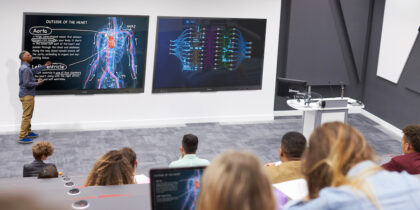
I’ve gotten to review Samsung’s WAFX-P interactive display and I have to say … it’s built to be a collaborative space where you can see everyone’s thinking – and everyone can interact with each other. Sure, you can still show slides and videos – and the bright, colorful display will illuminate any new idea to students in images, slides, or video – but it can be used so much more powerfully. I’ve found that the WAFX-P has the powerful features you need to create a shared thinking hub, transforming those old practices with classroom displays that have kept us stuck in the past.
Using your WAFX-P to create powerful and engaging classroom instruction
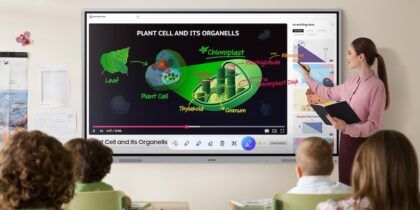
- Collaborate on Google files across the whole class – Google apps and services, like Docs, Slides and more – are all integrated natively into the WAFX-P. Students can do brainstorming or interactive notes in small groups. Then, they can display and present their work – or the teacher can comment and annotate in front of the class.
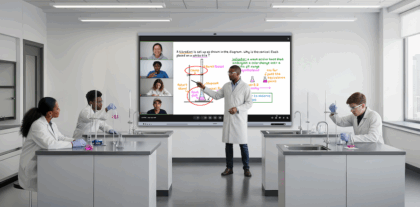
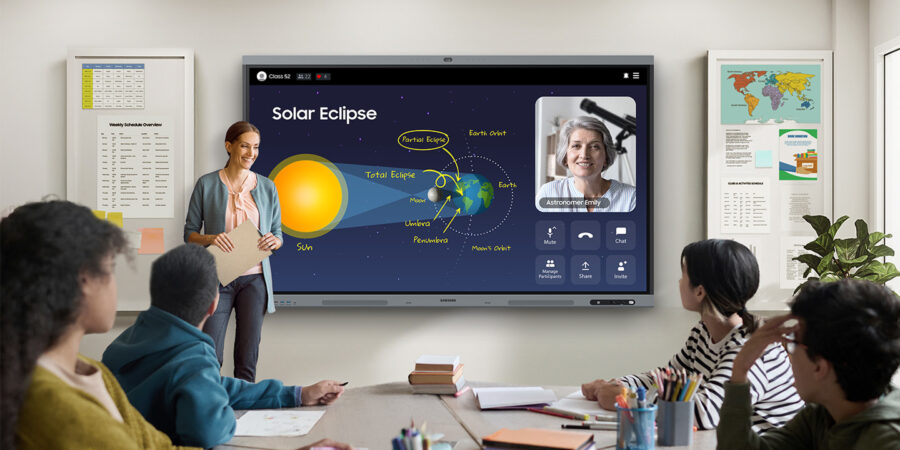
- Bring the world to your classroom through videoconferencing – Virtual field trips. Virtual guest speakers. Connections with other classes. Remote instruction. Anything you can run through a videoconferencing platform can be done on the WAFX-P in a matter of seconds. Its 48MP camera broadcasts every detail – and Auto Framing keeps the focus on the person speaking. Collaboration isn’t confined to the classroom.
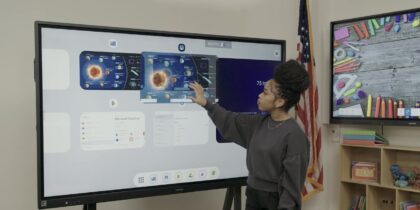
- Share up to 9 student devices at the front of the class – This is where collaboration and class work gets really interesting. Students can cast their devices to the WAFX-P directly from their seats. While group work happens on devices, everyone can see what everyone else is working on. It’s great for jigsaw activities where each group does a part of the whole – then everyone sees the whole finished product in one place.
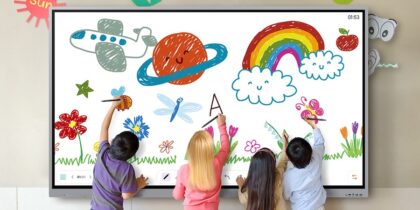
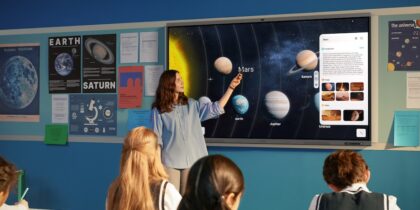
- Create a fully interactive center for station rotation – In so many classrooms, the station rotation model is powerful for student engagement. However, the big screen at the front of the room often is underutilized. Have students stop draw, write, interact with digital manipulatives – and even use AI Write and Search on the WAFX-P, circling a concept to display results in text, image, and video.
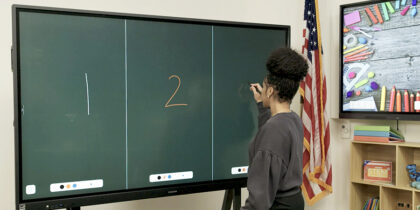
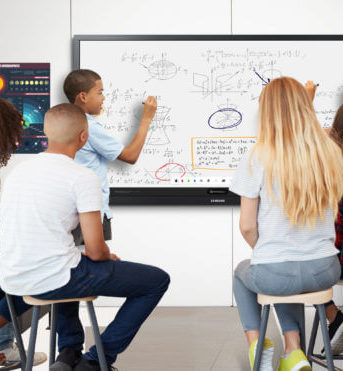
- Split the screen for multiple notetakers and annotators – The WAFX-P interactive display can be a workspace for multiple students at once! The Note app supports four independent note areas on a single page, allowing multiple students to write or annotate on a text simultaneously.
When teachers have powerful digital collaboration features at their fingertips – and an idea of how it transforms teaching and learning, the interactive display can become a classroom collaboration and thinking hub. I’ve found that the WAFX-P has those built-in features that make those collaborative uses quick and easy, so teachers spend less time figuring out the tech and more time on teaching and their students.
Want to learn more? Come visit me, Matt Miller, at ISTELive June 29-July 1st at the Samsung Booth! (#1129).