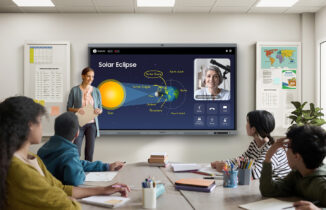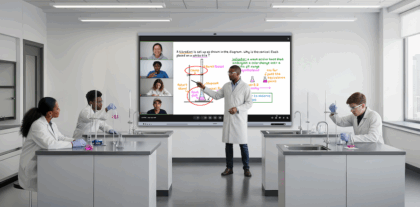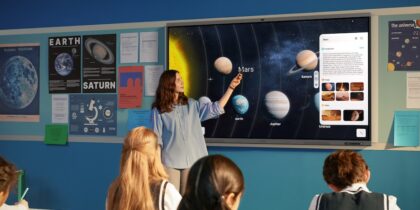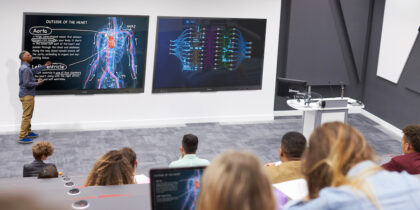
A clue in the New York Times crossword put it bluntly: “Obsolescent classroom wall fixture.” The answer, “blackboard,” captures just how much classroom technology has evolved over the past two decades, and how interactive displays are no longer novel additions but increasingly expected in classrooms. And yet, some schools have been slow to make the shift often because the full value of displays, and how to use them effectively, haven’t been fully realized.
The hesitation comes at a cost. The latest generation of education-focused interactive displays gives educators powerful tools to reach more students, support more learning styles and deliver lessons in more engaging ways. Here’s how interactive displays are changing the classroom for the better.
How to incorporate interactive displays in K-12 lesson plans
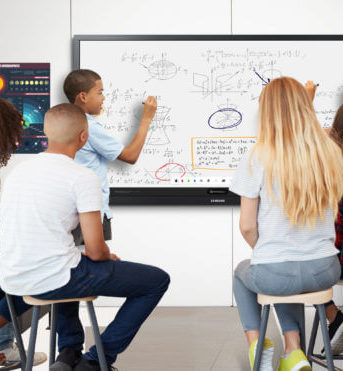
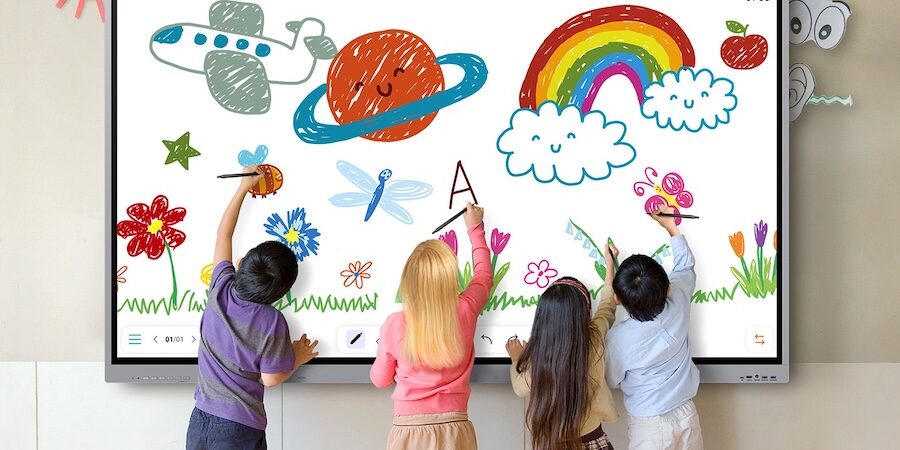
Education technology teacher Matt Miller loves using interactive panels like Samsung Interactive Display WAF to center his learning stations. “Students have a variety of tasks they do all around the room, and they rotate from station to station,” said Miller in a Q&A with Samsung. Students can draw on the screen or use the built-in web browser to pull up an interactive map or educational app. “Whenever students lay hands on these devices, they can create. Anything that takes learning out of the hands of the teacher and puts it into the hands of the students are some of the best opportunities you get,” he said.
This collaborative learning environment is just one example of how interactive displays are improving today’s classrooms. Here are some additional ways they benefit teachers, students and schools.
Boost student engagement
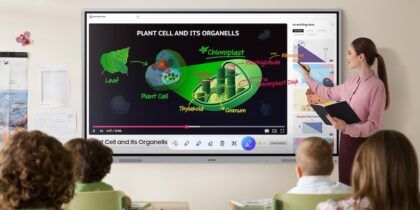
Today’s K-12 students are digital natives, and interactive displays fit right into that world. With Android-based models like Samsung WAF and the latest Pro model WAFX-P, teachers are able to create dynamic, digital-forward lessons that students can connect with more naturally. On Samsung Interactive Display WEFX OS-Free, that can become more streamlined because it functions without a built-in operating system. They can write or type on the screen, call attention to certain topics with highlights, circles, arrows or zoom-ins, and share multimedia content such as videos, webpages, presentations and images. Plus, the WAF and WAFX-P are EDLA-certified, so teachers can access the Google Play Store right from the interactive display and run Google tools like Google Classroom, Slides and Docs.
These tech tools help address the growing challenge of student engagement in today’s classrooms. In 2025, eight out of 10 students reported struggling with boredom at least once a week, according to the Education Insights 2025-2026 report by Discovery Education. The same study found that only a third of teachers say students often ask reflective questions, a top indicator of engagement, and just 55% of parents strongly believe their child is actively focused on learning when at school.
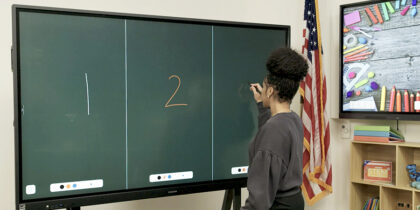
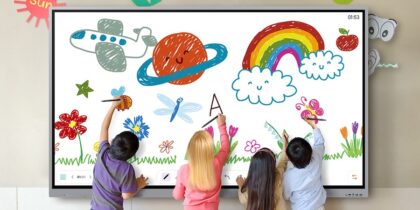
WAF interactive displays help bring the focus. For example, the display screen can be divided into multiple sections so that more than one student is able to work on it simultaneously. The WAF and WEFX support up to 40 simultaneous touchpoints, and WAFX-P, up to 50, allowing groups of students to write or draw at the same time. In addition, the dual pen function enables the use of two different writing tools with no downtime. The WAFX-P takes this further with more powerful performance, thanks to upgraded audio, integrated collaboration tools and the latest Android 15 OS with EDLA.
Reinforce learning
Unfortunately, even the best lessons can get lost quickly when students struggle to take notes. Here, again, the WAF Series steps in. For instance, students overwhelmed by spoken lessons may click an Annotation button, whether they are watching a video or viewing another piece of content, and it will take notes automatically.
WAF’s AI tools transcribe voices as well, enabling teachers to capture their lesson or lecture through an external webcam and microphones with WAF, or the 4K AI-assisted camera and eight internal microphones built-in to WAFX-P. When the lesson is complete, teachers can access the full transcription, create an instant summary, including headers and time stamps, and share it with students. This makes it increasingly easier for all students, including those who may need additional support or more time. These help them review key concepts, stay on track and apply their understanding at their own pace.
Circle Text and Search is another feature on WAFX-P that helps deeper learning. By simply circling an image or block of text, teachers can instantly surface additional resources, such as videos, images, definitions, translations and other material in a pop-up window. This not only reinforces lesson concepts in real time but also helps students develop independent research skills.
Accommodate different learning styles
No two students learn the same way. Effective instruction accounts for this by supporting multiple learning styles, including visual, auditory and kinesthetic. Samsung WAF Series interactive displays are built to support this flexibility, giving teachers tools to reach more students in more ways.
Visual learners benefit from clear, vibrant content on the large, 65-inch screen of Samsung WAF, WAFX-P and WEFX, while auditory learners can engage with rich multimedia material. Kinesthetic learners can interact directly with lessons by writing on the screen using a stylus or their finger. WAFX-P extends this hands-on experience further by enabling finger-based selection without switching modes, creating a more natural, intuitive workflow. Audio is enhanced as well, with WAFX-P adding a 20W subwoofer to the speaker array.
Together, these capabilities allow teachers to design lessons that adapt to different learning styles and teaching formats, whether instructing a full classroom, working with small groups or supporting one-on-one learning.
Connect with student devices
When students are unable to attend class in person, K-12 teachers typically spend time creating work packets for them to catch up. With an interactive display, this gets much easier. Teachers can screenshot their lessons and instantly share them with students, as needed. Or they might record the entire lesson with the recording feature and share it as a resource.
Mirroring enables the display to link up with student devices, so they can view and keep up with the lesson directly. Up to nine iOS, Mac, Windows, Android and Chrome OS devices can connect to the WAF and WAFX-P. Using the HDMI-Out functionality on WAF, WAFX-P and WEFX, teachers are able to share content on multiple screens around the classroom, so students can learn from any seat. The all-in-one USB-C port on all three interactive displays offers another route to sharing, via a USB drive or direct device connection.
Making classes smarter
The best technology for a modern classroom makes it a smarter one. It brings more students into the lesson and meets them where they are. The ultra-high- definition screen presents material more vividly than ever, while the tools empower teachers to craft dynamic lessons that enliven education and promote positive outcomes. Interactive displays like WAF, WAFX-P and WEFX help ensure K-12 students leave the classroom with a stronger understanding of the lesson.
Discover the full range of Samsung display solutions to find the best fit for your classroom, and learn more about the latest WAFX-P interactive display.
*Samsung AI Assistant app features will be available with a future software update in 2026.