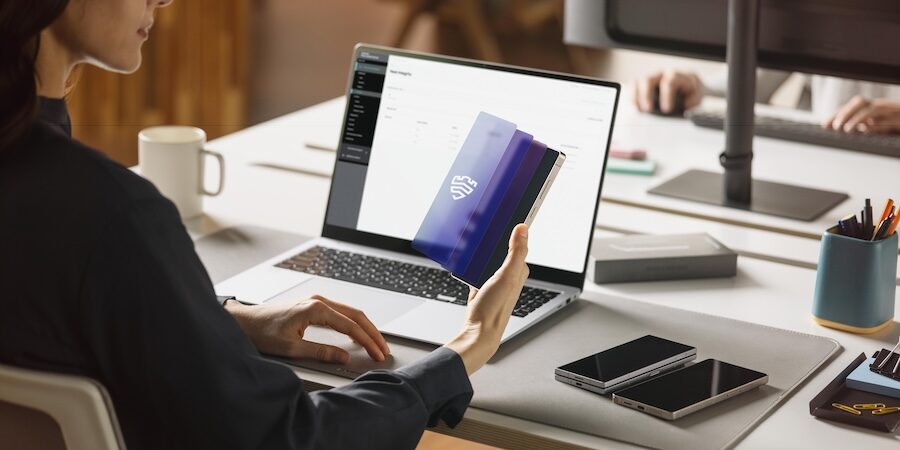
Mobile devices are now essential tools for both personal and professional life but mixing the two on the same device can introduce significant security risk for businesses. Personal apps, downloads, messaging and browsing activity often operate with weaker security controls, increasing exposure to malware, phishing attempts and data leaks that can put sensitive work information at risk.
The challenge is especially pronounced for businesses that support Bring Your Own Device (BYOD) and Corporately Owned, Personally Enabled (COPE) programs. While these models offer employees flexibility and convenience, they also expand the attack surface if work and personal data live side by side. Missed security updates, unsafe downloads or a single compromised personal app can create a pathway into work email, documents, credentials and internal systems.
The good news is that businesses don’t have to choose between security and flexibility. By understanding the risks of mixing work and personal data, and implementing the right strategies, businesses can protect sensitive information while still giving employees the freedom they need to work effectively. Here’s what you need to know:
Practical tips for separating work and personal data on mobile devices
Realizing the challenges of work-life balance, Samsung has several features and functions on Galaxy mobile devices including the latest Galaxy Z Fold7, Galaxy Z Flip7 and Galaxy S25 Series. These features enable you to split personal and professional apps and data, including:
- Separate home screens for work apps and personal apps makes it easier to switch roles without mixing notifications, files or tasks.
- Dual Messenger enables two accounts for the same social or messaging app on one device. Business communication stays contained in its own channel, while personal conversations continue without crossing into work.
- Secure Folder stores work apps, documents and files inside an encrypted, access- controlled space. Sensitive information remains isolated and protected even when you install new personal apps or share your device.
- Android Work Profile sequesters all business data in a fully managed workspace, allowing IT teams to fully secure corporate apps without touching personal content.
- Do Not Disturb pauses non-essential alerts to improve focus and productivity throughout the work day.
A security balancing act
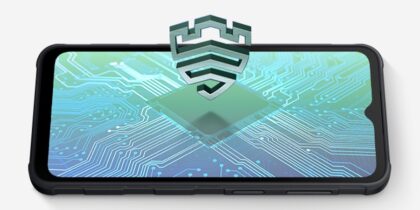
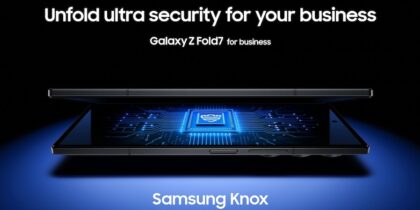
While these measures help separate work and personal use, there’s also a need to address the broader security challenges of modern mobile environments. Enter Samsung Knox, the multi-layered security platform built into Samsung devices from the chip up. With capabilities such as encryption and real-time protection, Knox helps ensure personal and business data remain protected.
Within the Knox ecosystem, some businesses further strengthen their mobile security posture by adopting a mobile device management (MDM) solution like Samsung Knox Manage. This provides a centrally managed, secure workspace that keeps work data isolated from personal apps and browsing activity.
An MDM solution allows work information to live in a separate “container” or “profile,” giving IT teams greater visibility and control, along with remote access for real-time troubleshooting when issues arise.
Security, in your hands
This built-in, layered approach to security continues at the device level. Samsung Galaxy devices offer a range of additional security protections that help keep work and personal data secure. These features are integrated directly into the device, so you stay in control no matter where you use your phone.
- SmartThings Find enables remote access when a device is misplaced, lost or stolen. You can locate your phone on a map, lock it to prevent unauthorized access or wipe it entirely if needed.
- Auto Blocker adds another safeguard by preventing installs from untrusted sources. Many mobile threats originate from sideloaded apps or social engineering attempts, and Auto Blocker helps keep those risks at a distance.
- Message Guard protects against zero-click attacks that hide inside image attachments. When an image arrives, the device isolates the file in a protected environment and scans it before allowing access.
- Secure Wi-Fi warns you when a public hotspot appears unsafe or behaves suspiciously, so you can disconnect before data is exposed.
A safer way to work on one device
Separating work and personal activity creates a cleaner, more secure experience for employees who rely on a single device throughout the day. Business apps stay protected, personal content remains private and disruptions are far less likely when data and activity are properly segmented. With built-in separation tools and user-controlled security features backed by Samsung Knox, Galaxy devices help keep information organized while reducing the risks that come with blended use. The result is flexibility for employees without compromising protection, and confidence for businesses that critical data remains safeguarded wherever work happens.
Learn more about how Samsung Knox tailors smartphones and tablets to meet unique business needs. Also discover the full range of Samsung mobile solutions to match the right one to your business.