The Wild West of business tech has largely been tamed. Cloud sprawl is under control, data visibility is on the rise, and security is top of mind for C-suites.
Mobile devices, however, remain firmly on the frontier. In part, this stems from the increasing use of personal devices for business, which creates challenges for security teams to manage and an ever-changing endpoint architecture. Mobile security threats are on the rise, too. For example, data shows the number of mobile banking trojans doubled in the first half of 2025 compared to the second half of 2024. AI is also turbo-boosting attacks in scope and sophistication, according to Verizon’s 2025 Mobile Security Index.
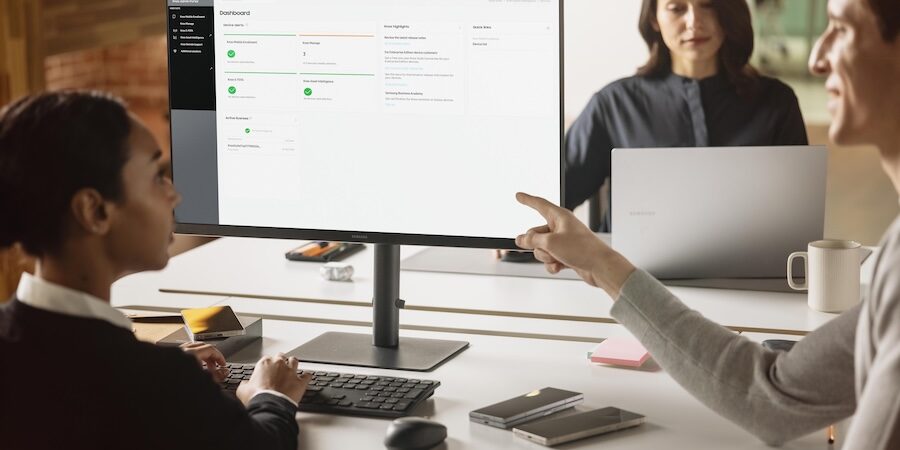
To win the Wild West, businesses need management tools and tech that monitor devices, spot issues and take action. Here are five ways remote device management helps protect your business.
1. Data protection and encryption
Remote device management tools allow security teams to enforce data protection and encryption policies across all devices on a network.
Common data protection tools include multi-factor authentication, which requires users to provide one or more verification factors in addition to usernames and passwords. Common factors include one-time codes, fingerprints and facial recognition.
Applying advanced encryption standards (AES), meanwhile, such as AES-128, -192 or -256, significantly reduces the risk of data compromise, even if users accidentally share or expose key assets.
Encryption is a key part of Samsung Knox mobile device management and evolving to meet the latest threats. Knox Enhanced Encrypted Protection (KEEP) creates encrypted secure storage areas that ensures apps can only access the sensitive information within them, and nothing more.
KEEP also scales across Galaxy AI innovations, protecting the device’s Personal Data Engine and the apps it supports, such as Now Brief and Smart Suggestions. This enables users to harness the benefits of Galaxy AI experiences without compromising privacy or security.
2. Remote device wiping
Despite best efforts, staff may lose mobile devices or have them stolen. As a first line of defense, Knox remote device management can lock down and locate the device to determine if it’s recoverable. If retrieval is not possible or too risky, IT teams can then remotely wipe the device, rendering it useless to anyone who obtains it.
This function is especially useful for businesses with employees working remotely or traveling regularly, which are two scenarios that increase risk. Knox ensures that any accidents can be quickly dealt with, potentially saving the company from fines, sanctions and other penalties that often come with compromised data, such as medical information, human resources assets or personally identifiable information.
3. Device updating
Both applications and operating systems require regular updates to eliminate potential compromise paths and respond to new types of attacks. If attackers identify devices with known vulnerabilities, they may be able to circumvent security tools and access protected databases without raising suspicion.
This was the case for Yale New Haven Health, Connecticut’s largest health system. In March 2025, the organization suffered a data breach that exposed the information of 5.5 million patients and resulted in an $18 million settlement. One key component of the attacks? Legacy systems that were not patched to protect against known vulnerabilities.
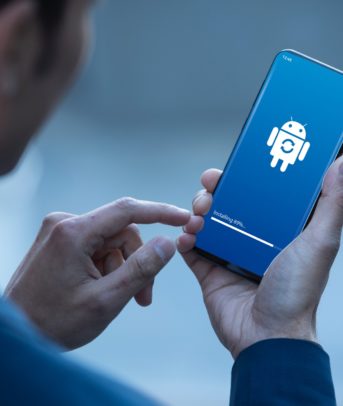
Remote device management enables teams to push updates out across mobile environments at scale or per-device. It also allows teams to prevent the use of devices or applications that have not been patched or updated, in turn reducing overall risk.
4. Autonomous action
One key function of remote device management is reporting. If tools detect suspicious activity, such as a large volume of login attempts over a short time, or multiple attempts to install unapproved applications, they can report this behavior to security teams for follow-up and remediation.
In some cases, however, action is more important than collection. For example, if a piece of software fails verification checks, allowing it to load could put secure networks at risk. Samsung Knox features counter this through autonomous action. If checks fail, Knox Warranty Bit acts as a one-time fuse. When flipped, it prevents the application from booting, and devices are not permitted to use certain protected features such as Knox Workspace or Samsung Pay.
5. AI flags for abnormal behavior
No discussion of mobile security is complete without mentioning AI. These self-learning solutions can fall on both sides of the protective fence. On the attacker side, AI tools can analyze systems for potential weak points and help create bespoke malware to exploit them. For defenders, AI offers a way to process and interpret large volumes of mobile user data, enabling them to create profiles that define “normal” user behavior. Actions outside of the ordinary can be flagged by remote device management platforms and investigated by IT teams.
Consider a remote mid-level manager who typically logs on at 10 am and works until 6 pm. AI security tools can track day-to-day behavior patterns and create a baseline, along with exceptions that necessitate alerts. For example, if the manager’s mobile device attempts to initiate a large-scale data transfer at midnight to an unknown source, AI tools would both stop the transfer and trigger an alert for investigation.
Taming tech with remote device management
Mobile devices enable your employees to work anywhere, anytime. But mobile ubiquity combined with device diversity creates evolving security risks, from stolen phones to unpatched applications, even as attackers leverage AI for advantage. This makes remote device management essential to improve operational visibility, defend data and protect staff.
Take control of your IT environment with Samsung Knox. Also learn more about Samsung Knox Suite Plans and how they can boost business performance.