Aspect ratio is one of the most overlooked specs in monitor selection, and one of the most consequential. Get it wrong and even a high-resolution display can slow workflows, limit screen real estate and force workarounds that cost time. Get it right and the monitor becomes a productivity tool, not just a screen. Here’s how aspect ratio works, how it interacts with other key specs and how to match it to your team’s needs.
What is aspect ratio?
Aspect ratio measures the width and height on a monitor or screen. These ratios represent a relationship: For every X units of width, there are Y units of height.
Today, the standard aspect ratio is 16:9. Also known as “widescreen,” it applies to most viewing devices; laptops, monitors and televisions included. “Ultrawide” and “dual ultrawide” aspect ratios expand the screen real estate further to 21:9 and 32:9.
Matching aspect ratio to your workflow
As with the other major factors that go into selecting a tablet, laptop, TV or monitor, choosing the right aspect ratio depends on the use case and job tasks.
16:9 for general use
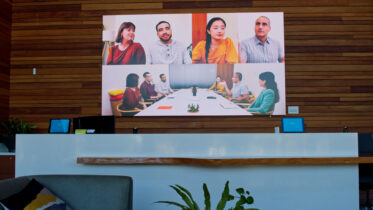
This is the standard aspect ratio of screens today and works well for general use. That includes most single or double-window tasks, such as writing emails, viewing documents, videoconferencing and consuming media. Video
and content editors benefit, too, because 16:9 lets them build and preview content in the same format their audience sees it.
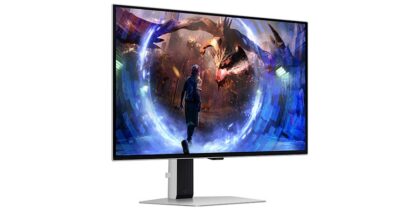
Many Samsung monitors, both flat and curved, come with a 16:9 aspect ratio, including:
21:9 for graphic design and data crunching
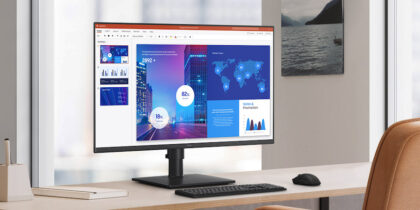
When screen real estate earns a particular premium, the “ultrawide” 21:9 can provide the space needed. A good example is with data crunchers, who often need to work with large spreadsheets. This aspect ratio keeps more data
visible in a single view, reducing the need for constant scrolling.
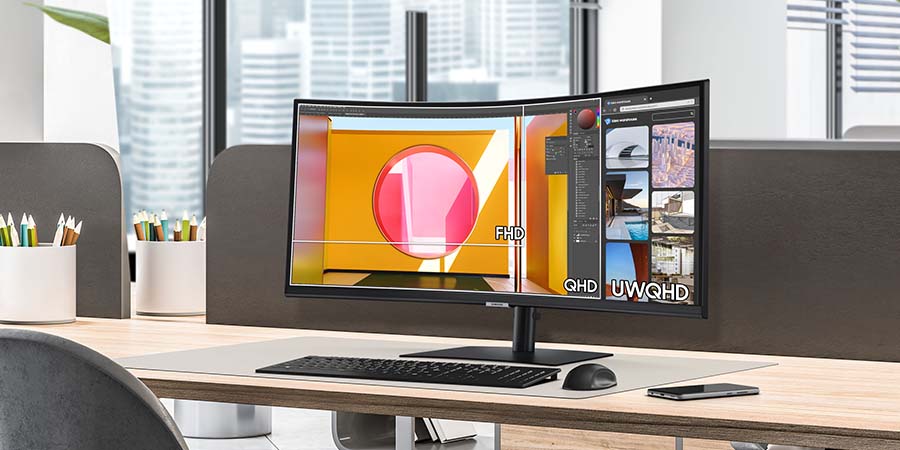
Graphic designers also benefit from the expanded space, so they can keep more editing tools open at once. Same goes for coders, who often have multiple browsers and terminal windows running at the same time.
Among Samsung monitors with an ultrawide 21:9 aspect ratio are:
32:9 for immersive experiences and complex workflows
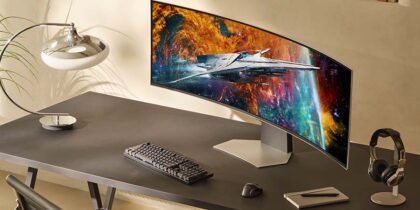
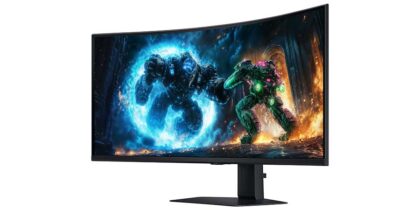
The dual ultrawide 32:9 ratio is built for professionals who need to manage multiple active windows simultaneously, such as email, videoconferencing, data sets, diagrams, schedules, flowcharts and web browsers. These might include system managers, security personnel, financial traders and software developers. The 32:9 aspect ratio fits immersive gaming, too, filling the gamer’s entire line of sight. It’s also a benefit for those training on simulation software, such as pilots.
Samsung supplies these jobs with dual ultrawide monitors like:
How aspect ratio interacts with screen resolution
Aspect ratio and resolution are related but distinct. Resolution measures the number of pixels across a screen’s width and height. Take 1920 × 1080, for example, where the first number indicates width and the second indicates height.
Aspect ratio, by contrast, describes the shape of that space, not what fills it. The two are often confused because both use width-to-height relationships, but they are answering different questions: One defines the screen’s proportions, the other defines its pixel density.
A higher resolution improves clarity within a given aspect ratio, but it won’t fix the cropping, stretching or letterboxing that result from an aspect ratio mismatch. For example, displaying 4:3 content on a 16:9 screen will distort the image regardless of resolution. Both specs need to work together.
Making monitor math work for you
Aspect ratio doesn’t just change the viewing experience of your monitor; it impacts all the tasks you do on it. That’s why it’s important to factor it into the monitor selection process, giving it equal weight with other key specs, such as resolution, pixel pitch, refresh rate and size.
It also means understanding the amount of screen real estate required to perform job tasks effectively and efficiently, then, matching it with the aspect ratio that provides that amount of workspace. When the right fit is made, workers are better equipped to get more done with greater success.
Learn more about different screen resolutions and how to choose the best for your needs. Also explore the full range of next generation Samsung monitors to discover the ideal for your setup.